TL;DR
Raycast is a Spotlight replacement that actually replaces Spotlight — app launching, file search, snippets, clipboard history, all in one palette.
For devs it’s genuinely great: GitHub, Linear, and dozens of other tools integrate directly so you can create PRs, check issues, and review notifications without leaving the keyboard. The extension store also covers 1Password, Figma, Notion, and more.
Free for personal use, or $8/month for Pro (AI commands + cloud sync). If you’re on a Mac and haven’t tried Raycast yet, you’re leaving real productivity on the table — it changes how your whole workflow feels.
What Raycast Looks Like
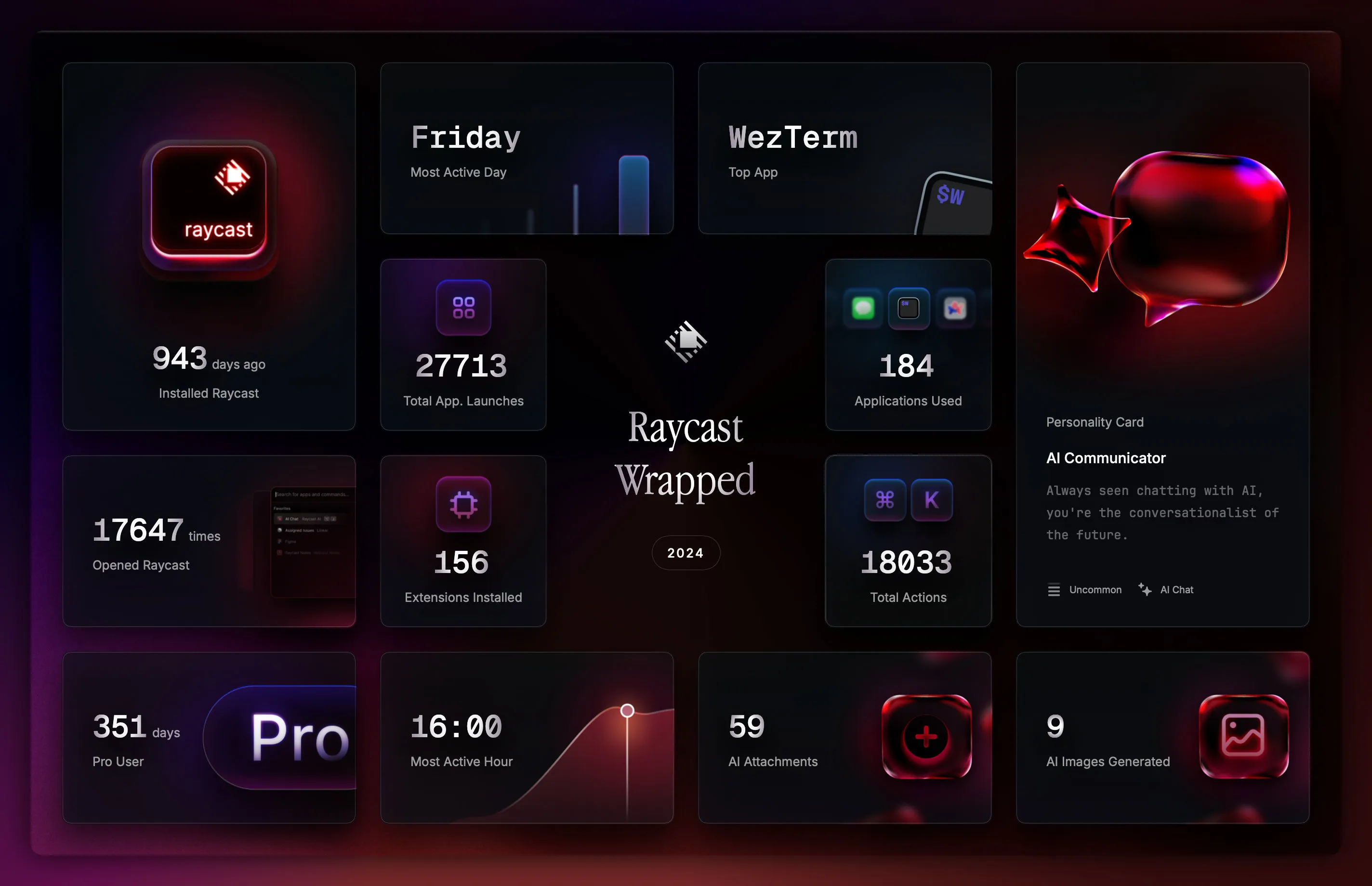
The UI resembles Spotlight but does significantly more. Opening it drops you into a search bar with recent commands below. Clean, not cluttered, and the theme follows your system light/dark setting or you can override it. Installed extensions show as small icons and are easy to search.
The design optimises for speed: one keystroke reaches everything. There’s no visual noise fighting for your attention.
Why Raycast When Spotlight Already Exists
I started on stock Spotlight. It was fine until it wasn’t — apps going missing from results, slow file searches, the occasional hang after ⌘Space.
The real friction came from tool-switching: opening a calculator meant launching a separate app, running a unit conversion meant a browser tab. Each small interruption added up.
Raycast eliminates all of that. Fast search, inline calculator, clipboard history across 100+ entries, smoother window management. One keystroke handles what used to take four or five.
Where Raycast Sits in the Market
Alfred has been the incumbent for years; LaunchBar has a devoted fanbase. Raycast’s bet is a modern, extensible approach that doesn’t cost money to unlock.
The biggest structural advantage is the extension store — 2,000+ extensions, all free to install, with no equivalent of Alfred’s paid Powerpack gate. If you work across multiple cloud services the community extension depth is hard to beat.
The UI is also genuinely more polished than the competition: dark mode is native, not an afterthought.
Raycast suits devs who want a capable tool out of the box without spending money. Alfred makes more sense for people already invested in it who prioritise stability over new features.
Compared to Apple Spotlight
| Factor | Raycast | Spotlight |
|---|---|---|
| Speed | Very fast | Acceptable |
| File Search | Full | Full |
| Extensions | 2,000+ | None |
| Customization | Extensive | Limited |
| System Integration | Good | Excellent |
Spotlight is fine for basic tasks and wins on deep system integration — searching email, calendar entries, and system settings feels seamless. But the moment you want anything beyond search-and-open, you’re reaching for a third-party tool anyway.
If you only need file search and app launching, Spotlight is fine. For devs working across multiple tools all day, Raycast is the obvious upgrade.
Features That Actually Get Daily Use
Quick Actions let you kill a memory-hungry process or restart a stuck service without opening Terminal.
Clipboard History retains 100+ recent copies — drag out that API key or code snippet you copied three steps ago. Snippets save template code behind a short trigger; type the shortcut and the full boilerplate appears instantly.
GitHub Integration surfaces repos, PR status, and issue creation without opening a browser tab. Linear works the same way — view assigned tickets or create tasks directly from the palette.
Calculator handles decimal and hex/binary. Unit Converter turns px → rem or MB → GB without leaving the keyboard.
Honestly, just Clipboard History and Snippets alone cover about 80% of daily repetitive work.
Compared to Real Competitors
| Factor | Raycast | Alfred PowerPack | LaunchBar |
|---|---|---|---|
| Price | Free | $59 | $35 |
| Extensions | 2,000+ | 300+ | 100+ |
| UI Design | Modern | Classic | Minimal |
| Learning Curve | Easy | Medium | Steep |
| Customization | High | Very high | Medium |
Alfred is powerful for workflow automation but often requires writing your own scripts. LaunchBar is the oldest and most keyboard-centric; people who learned it early tend to stick with it.
Raycast wins on approachability and extension breadth. It’s built by developers for developers, and that shows in the default feature choices.
If you’re just getting started with a launcher, start with Raycast — it’s free and the learning curve is gentle. Alfred is for people who want to build deep, custom automations and don’t mind the Powerpack cost.
Pros and Cons
Pros
- +Free to start — no paywall on core functionality
- +2,000+ extension ecosystem with integrations for most dev services
- +Clean, responsive UI with thoughtful design throughout
- +Built-in clipboard manager, calculator, snippets — no extra installs
- +Built by developers for developers — defaults match actual dev workflows
Cons
- −macOS only — Windows and Linux users can't use it
- −Some extensions require a Pro subscription
- −Slightly higher RAM footprint than Alfred
- −Advanced customization still doesn't match Alfred's depth
Raycast is for devs who want a tool that works immediately without a long configuration session. The UI is comfortable, it’s free, and the trade-off is macOS lock-in.
Hidden Costs
Raycast is free. The Pro plan is $8/month (~$96/year) and unlocks AI commands, cloud sync, and custom themes. If you only use basic features, you genuinely don’t need to pay.
Learning curve is light — one to two weeks to feel natural. Initial setup takes almost no time; deeper workflow customisation adds another two to three hours if you want it.
The real cost is the time you’ll spend browsing extensions — there are so many that it’s easy to lose an afternoon. Pro is worth it if you actually use AI commands regularly.
Who Should Use It
Use it if: You’re a dev running multiple projects simultaneously, or a power user who’s tired of alt-tabbing through app windows. If you rely on keyboard shortcuts and like tuning your workflow, Raycast will click immediately.
It’s especially valuable for people primarily on macOS who work across multiple cloud services — it cuts context-switching noticeably.
Skip it if: Spotlight already does everything you need, or your computer use is genuinely casual. Paying for Pro on light usage is wasteful, and casual users are more likely to find the extension depth overwhelming than helpful.
Verdict
Straight answer: Raycast is worth it if you’re a dev or power user who works hard on a Mac every day. Consolidating multiple workflows into one palette saves real time.
Try it: If you run multiple apps concurrently, want automation, or enjoy customising your workflow. The $8/month Pro plan makes sense for serious daily use.
Hold off: If you’re new to Mac or your work isn’t particularly complex. Start with the free version for two to three weeks before deciding whether to upgrade.
Once you’re used to it, going back to stock Spotlight feels broken.