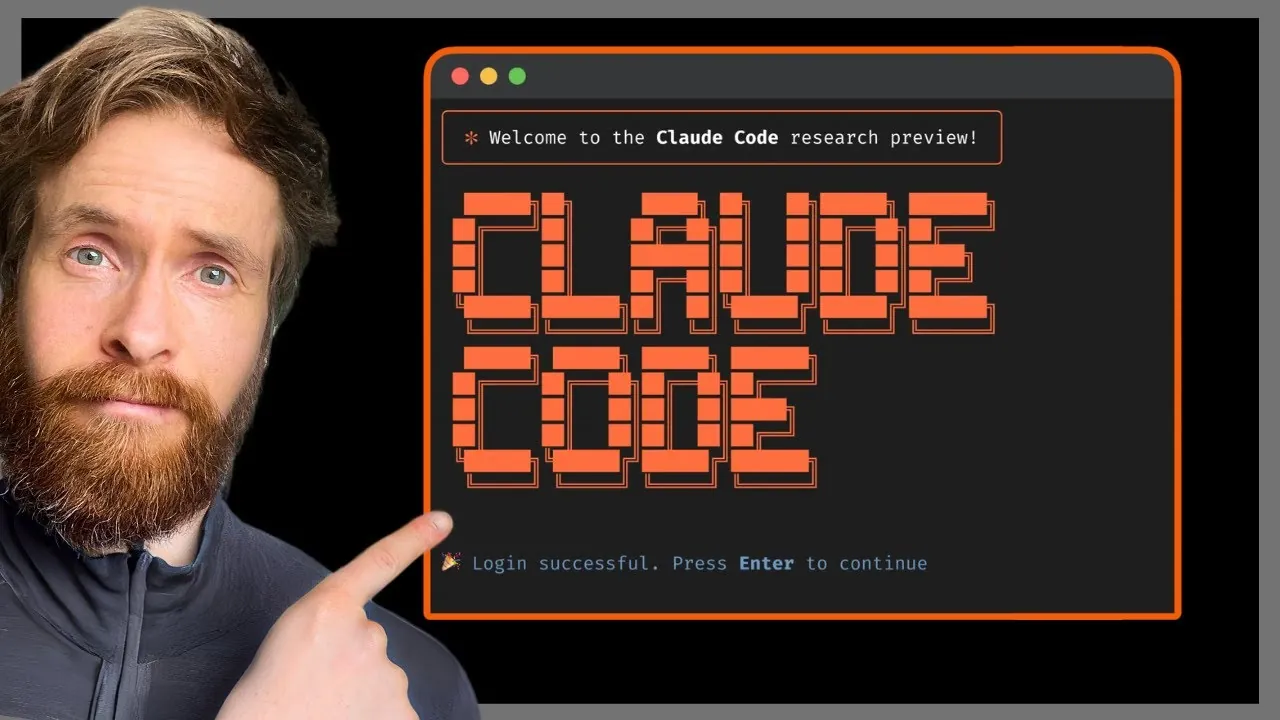
TL;DR: Claude Code is an AI coding assistant built for junior devs
Claude Code is an AI assistant that excels at writing code, debugging, and explaining logic — a solid fit for junior developers who want to learn faster. It walks through code line by line, traces bugs to root causes, and surfaces best practices naturally.
Watch out: Claude occasionally gives answers that look correct but aren’t. Juniors who don’t verify before deploying will get burned. The $20/month cost adds up fast if you’re using it heavily.
Good tool for getting started. Use it as a learning companion, not a crutch — always test the code it gives you before shipping.
Claude Code’s interface is minimal but comfortable. The chat area is wide enough for multi-line code blocks, and syntax highlighting keeps things readable.
What stands out: Claude handles both Thai and English, breaks down code step by step, and recommends best practices inline — juniors pick up context fast.
No IDE-style autocomplete, but Claude suggests relevant functions and libraries in context and shows example output alongside explanations.
The chat-based UI is better for learning than active coding. Use it to ask questions, get explanations for confusing code, or talk through logic — not as a primary editor.
Stuck at 9 PM with no one to ask
Every junior dev hits this: staring at an error message that means nothing, or a loop that won’t terminate, with StackOverflow making it worse.
Claude hits the exact gap. No waiting for forum replies, no fear of getting mocked for a “dumb” question. It explains step by step, traces the error, and tells you what caused it.
Having a coding buddy available around the clock changes things for junior devs. Less frustration when blocked, more willingness to try new approaches.
Where Claude Code fits in the Claude family
Claude Code is Anthropic’s official CLI tool — it runs in your terminal, not a web chat. Unlike claude.ai, the CLI reads files directly, runs commands, and edits code in place. No copy-paste-repeat.
Under the hood it uses the same Claude models, but the important differences are the larger context window and direct filesystem access. It understands your whole project at once, not just whatever snippet you paste in.
Anthropic is testing how much developers want specialized AI tooling. If adoption is strong, expect more Claude-specific tools to follow.
Comparison: Before vs. After Claude Code
| Factor | Before Claude Code | After Claude Code |
|---|---|---|
| Coding time | 3-4 hrs/feature | 1-2 hrs/feature |
| Debugging | Hours of blind searching | Clear error explanation |
| Learning new concepts | 2-3 days reading docs | Instant examples |
| Code quality | Copy-paste from Stack Overflow | Following best practices |
| Team readability | Hard to read, minimal comments | Comments and documentation |
| Confidence | Afraid to break things | Better structural understanding |
The sharpest difference is time. Junior devs who used to spend hours hunting for answers now get them instantly — with working code examples attached.
Having an AI coach like this compresses the learning curve significantly. Just don’t lean on it so hard that you skip the fundamentals — those still matter most.
What Claude Code actually does for you day-to-day
Write code from requirements — tell it “build a REST API for a todo app” and it generates file structure, endpoints, database schema, and error handling in one shot.
Debug and trace errors — paste an error message, Claude identifies the cause and fix, and explains why the error happened. Understanding the problem beats just patching it.
Explain complex code — hit legacy code you don’t understand? Feed it to Claude and get a plain summary of the logic before you touch anything.
Surface best practices — Claude flags areas worth improving: performance, security, maintainability.
Think of it as a senior dev on call 24/7. Just make sure you have solid fundamentals underneath before leaning on it.
Claude Code vs. the alternatives
| Factor | Claude Code | GitHub Copilot | ChatGPT Code | Tabnine |
|---|---|---|---|---|
| Price/month | $20 | $10 | $20 | $12 |
| Language support | 20+ languages | 30+ languages | 25+ languages | 15+ languages |
| Code explanation | Excellent | Adequate | Good | Weak |
| Debug capability | High precision | Good | Moderate | Adequate |
Main difference: Claude is stronger at detailed code explanation and debugging. Copilot beats it on autocomplete and broader language support.
ChatGPT Code works similarly to Claude but explanations tend to run long. Tabnine prioritizes privacy but the feature set is limited.
For a junior dev: Claude is the best teacher of the group, even at the higher price.
Pros and cons
Pros
- +Clear code explanations — well-suited for juniors
- +Precise debugging with root-cause explanation
- +Supports many languages including modern frameworks
- +Consistent best-practice guidance throughout
Cons
- −More expensive than alternatives, especially the Pro plan
- −Terminal-only — no IDE-style GUI
- −Slow responses during peak hours
- −No plugin support for some IDEs
For juniors, the strength is explanation quality — Claude doesn’t just hand you code, it teaches step by step.
The main downsides are price and the learning curve for writing prompts that get useful results. Not as plug-and-play as Copilot integrating directly into your IDE.
If budget allows, try Claude Pro. The investment in learning early pays off.
Hidden costs
Beyond the $20/month Pro subscription, there’s time cost: learning how to write prompts that get useful results takes real experimentation.
For the Claude API, going over the limit means paying per token — which can surprise you on large projects or when uploading lots of documents.
Some extension and integration tools carry separate fees. Budget the full stack before committing, not just the subscription price.
Who should (and shouldn’t) use it
Use it if: You’re a junior dev who wants to learn faster, or you’re working solo and want a mentor on call. Claude is strong for code review, debugging, and breaking down complex concepts.
Skip it if: You’re on a large team with plenty of senior devs, or at a company with security policies that prohibit sending code to third parties. Also skip it if you don’t have basic programming fundamentals yet — don’t let AI replace the foundation.
Freelancers and small startups with tight budgets: try the free tier for a month or two first, then upgrade once you’re confident it’s worth it.
Verdict: worth it for junior devs?
Claude Code is a solid tool for juniors who want to learn fast — but use it deliberately. Don’t let the AI write everything without understanding it. That’s how you build a dependency instead of a skill.
Alternatives exist if budget is the constraint: GitHub Copilot is cheaper, and plain ChatGPT handles code explanation well enough.
My take: use Claude as a teacher, not a ghostwriter. Let it explain things, review your code, and help debug — not do the work for you. That’s how you learn while shipping.
Try the free tier for a month or two. If you notice real improvement in how fast you’re picking things up, pay for it.